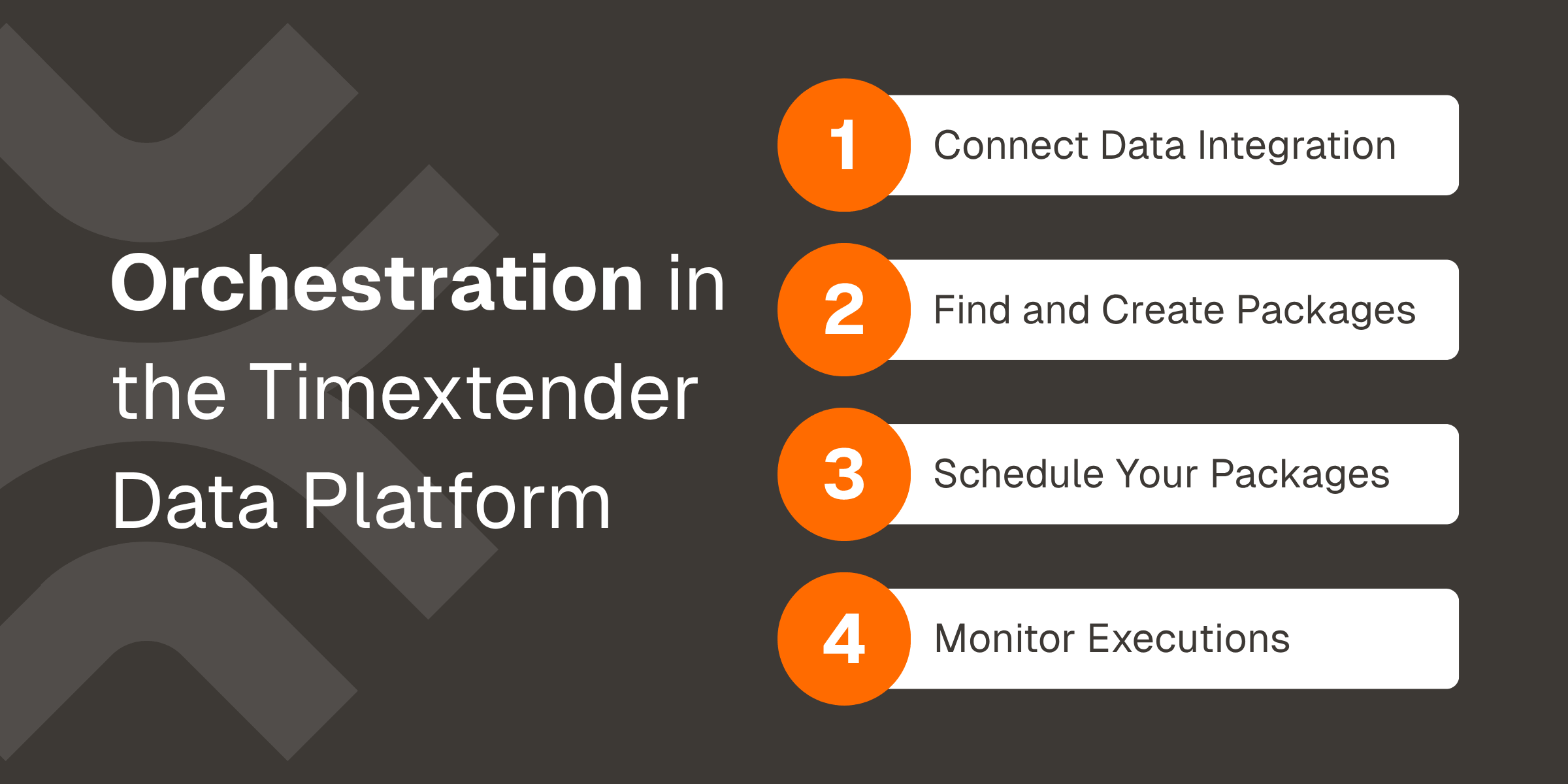
Packages are moving from the desktop app into the Timextender Data Platform portal. There, Orchestration handles connecting, scheduling and monitoring your Timextender Data Integration work in a single interface.
This episode of Timextender Tuesdays walks through the setup. You'll connect TDI to Orchestration with a data provider and an API key, fetch your instances, and map each instance group to Development, Test or Production. From there, you'll find the packages you already have, add new ones such as Prepare and Fabric capacity pause/resume, and set them to run automatically.
Every run is recorded in Executions, with the environment it ran in, so you can check that a new schedule ran against the instance you intended. If TDI is already connected to your service, skip ahead to 3:59 and start with your packages.
The Orchestrating TDI support article covers every step in writing, including how to map environments when you run fewer than three instances.
Lead the AI Era with Trusted Data
Book a demoto see how a unified, metadata-driven approach keeps definitions, lineage, and refresh behavior consistent across the Timextender Data Platform.
How AI-ready is your data, really?Answer 8 questions. Get an instant score across the pillars that matter most for production AI, and find out exactly where your gaps are before your next project exposes them. Takes 3 minutes.
Is your data ready for AI in production?
The AI-Ready Data whitepaper covers the five pillars of an AI-ready foundation — including a 10-question diagnostic to benchmark your own environment. Free to download.